
Introducing Splash Screen: Brand Your Digital Card's First Impression
One Good Card's new Splash Screen feature lets you add a branded intro before your digital name card loads. Customise logo, tagline, animation. Set up in minutes.

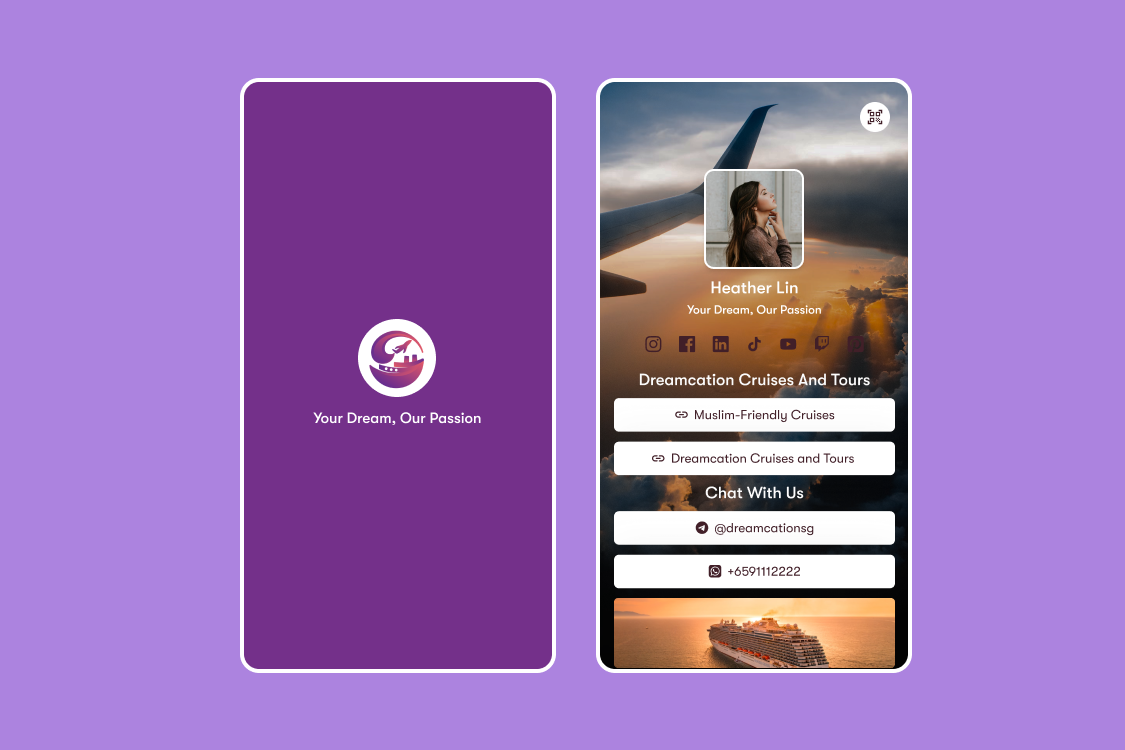
There's a moment that happens every time someone taps your NFC card or scans your QR code. A fraction of a second before your digital name card loads.
Introducing One Good Card's newest feature: Splash Screen. Fill that first impression with something intentional: your logo, your brand colours, a tagline, an animation. A polished, fully customised intro that plays before your digital name card appears. It's the digital equivalent of walking into a room that's been set up for you.
What is a Splash Screen?
Splash screen or pages capture a visitor's attention before entering your website. Your splash page introduces them to your site and then leads to the homepage. A splash page can both benefit your branding and marketing efforts by maintaining brand consistency and messaging

Splash Screen is a customisable screen that appears the moment someone opens your One Good Card, before they reach your contact details, social links, or any other content. Think of it as a brief, beautiful intro that sets the tone for everything that follows.
It's fully customisable, works across all sharing methods (NFC tap, QR code scan, link), and takes under a minute to set up from your dashboard.
What You Can Customise
1. Logo: Place your company or personal logo front and centre on the splash screen. Instantly communicates who you are before a single word is read.
2. Background Colour: Choose a background that fits your brand guidelines. Your splash screen should feel like an extension of your visual identity, not a generic template.
3. Tagline: A short line of text that captures what you do or what you stand for. It could be your company slogan, a professional statement, or simply your name and role presented with intention.
4. Animation: Add motion to make your intro feel dynamic rather than static. A subtle entrance animation on your logo or tagline adds polish and makes the experience feel considered.
5. Duration: Control how long the splash screen displays before transitioning to your digital name card. Keep it brief enough to feel snappy, long enough to land the impression.
Who Splash Screen Is For
Companies and corporate teams: Your brand is your most valuable asset. Splash Screen ensures every employee's card opens with the same consistent, professional brand experience (logo, colours, tagline) before the recipient even reaches the contact details. Pair it with the Centralised Team Dashboard to standardise the splash screen across your entire organisation.
Sales and BD professionals: First impressions in sales are everything. A custom splash screen signals confidence, preparation, and attention to detail before you've said anything. Whether you're sharing your card at a pitch meeting, a conference, or a cold outreach, the intro sets the tone for the conversation that follows.
Individual professionals and personal brands: Your personal brand is how you present yourself to the world. A well-designed splash screen, even something as simple as your name, a clean background in your signature colour, and a one-line professional statement, elevates your card from functional to memorable.
Creative professionals: For designers, photographers, and creatives, the splash screen is a canvas. Use it to set a visual mood that primes the viewer for the portfolio or work they're about to see. The first frame matters.
How to Set Up Your Splash Screen
Setting up your splash screen takes under a minute:
- Log into your One Good Card dashboard
- Navigate to Cards
- Under Profile Tools, Select Customise Splash Screen
- Upload your logo and background image or select a brand colour
- Add your tagline and choose your animation style and duration
- Save and preview the splash screen
- Toggle Splash Screen Enabled on, and your splash screen is now live on your digital business card profile
Any changes you make update instantly. If you want to try a new look or tagline before an event or update your background for a campaign, you can do it in seconds.
Splash Screen is the latest addition to One Good Card's growing set of digital name card profile tools, features designed to give you more control over how you show up professionally, before and after the tap.
Combined with your choice of profile layout, your virtual background, your email signature, and your mobile wallet card, every touchpoint in your professional networking experience can now be intentional, branded, and consistent from the first frame to the final follow-up.
Consistently presented brands are more likely to achieve strong brand visibility, and that consistency starts the moment someone engages with your card.
The best professional impressions are the ones that feel effortless, where every detail has been considered, even the ones the other person doesn't consciously notice. Splash Screen is one of those details. A second or two before your digital name card loads, your brand is already speaking.
It's available now in your dashboard under Profile Tools. If you haven't set yours up yet, it's worth two minutes of your time, because first impressions don't wait.

Related articles
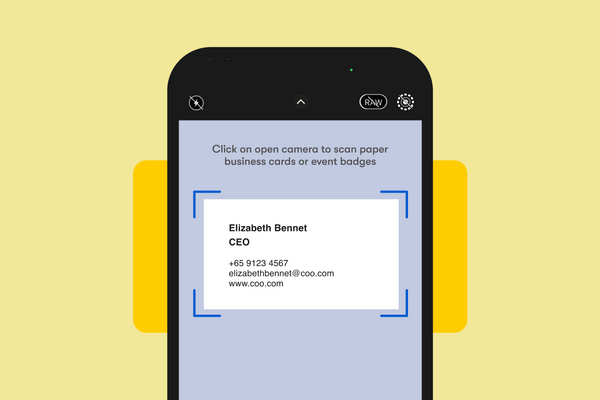
Scan Paper Name Cards into Contacts with OCR Scanner
One Good Card's OCR Scanner reads paper business cards and saves contacts automatically. Available on iOS and Android. No more...
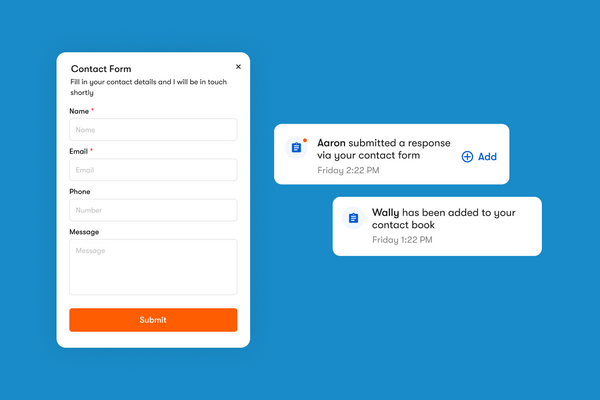
How One Good Card's Contact Form and Leads Page Work
The contact form is a widget you can add directly onto your One Good Card digital name card
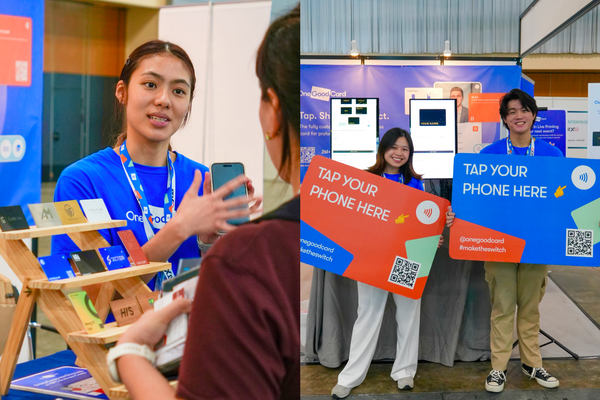
What Running a Card Live Printing Booth Taught Us About Networking at Singapore's Biggest Events
We ran our live printing station at ATxSG and NPF Retail. Here's what we learned about engaging event attendees and...
The all-in-one digital business card
for professionals
- ✓ Fully Customisable
- ✓ Lifetime Updates
- ✓ AES-256 Encryption
- ✓ Certified CSA-Compliant
- ✓ iOS and Android