
Free Email Signature Generator In Your Digital Business Card
Generate a clean, clickable email signature for free. Compatible with Gmail, Outlook, and your One Good Card profile.

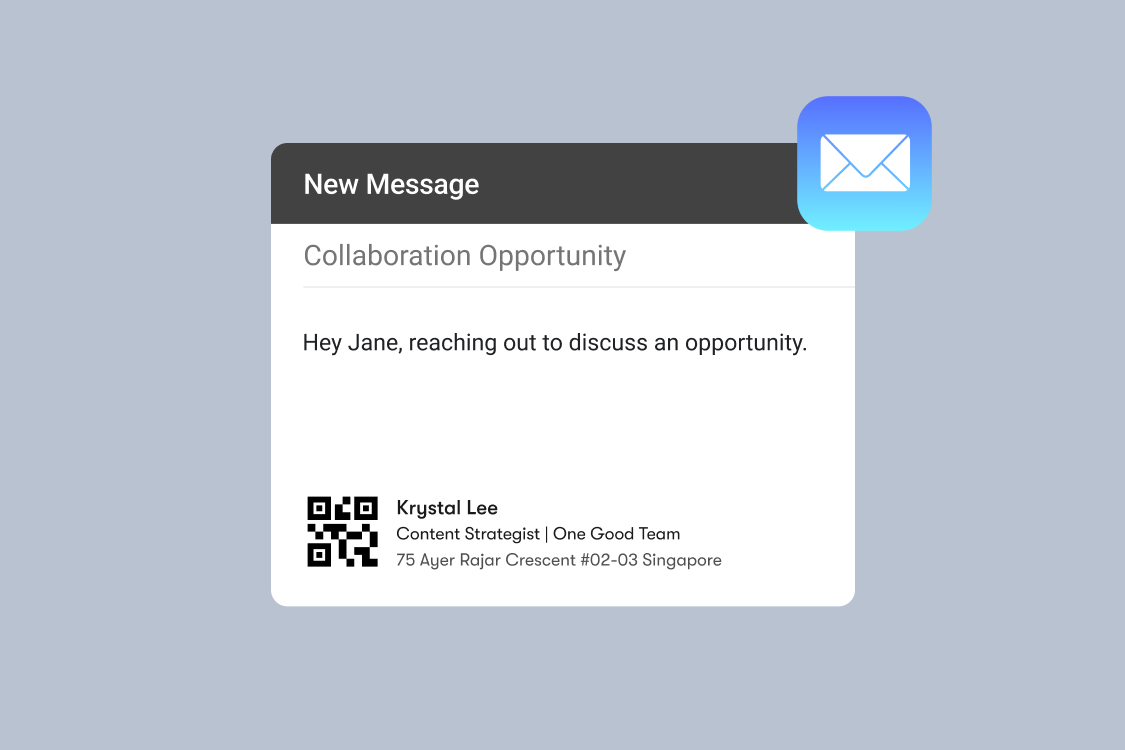
Your email signature is the last thing people see when you write to them. For most professionals, it's also the thing they've thought about the least. A name and a phone number is the floor, not the standard, and if you haven't looked at yours recently, there's a good chance it's doing less work than it could be.
Why Your Email Signature Matters More Than You Think
Most professionals send dozens of emails every day. Multiply that by your entire team, and you're looking at thousands of branded touchpoints going out every week — each one with a signature at the bottom. Whether those signatures are working for you or just taking up space is entirely up to you.  Put simply: your email signature is a small piece of real estate that's doing either a lot of work or very little, depending on how much attention you've given it.
What Makes a Great Email Signature
A strong email signature doesn't need to be complicated. The best ones are clean, consistent, and give the recipient everything they need to take the next step.
Here's what to include:
Your name and role: Sounds obvious, but make sure your full name and current job title are accurate and up to date. This is the first thing recipients read.
Contact details: Your phone number, email address, and any messaging channels you want people to reach you on WhatsApp, Telegram, or otherwise.
Your company and website: A direct link to your company website or personal portfolio adds credibility and makes it easy for recipients to learn more about you.
Social links: LinkedIn is the third most popular social link in email signatures, with 42.3% of professionals including it, after Instagram (69.3%) and Facebook (62.1%). For most business professionals, LinkedIn is the most important.
Digital business card: This is the upgrade most professionals haven't made yet, and it's the one that makes the biggest difference.
Most email signatures stop at a phone number and a LinkedIn link. Linking to your digital business card goes further. It gives recipients a single destination where they can do everything: save your contact, connect on social, visit your website, or reach out directly.
One Good Card Email Signature Generator
One Good Card includes a free email signature generator built directly into your dashboard. In a few clicks, you can generate a professional, branded signature that includes your name, role, company, contact details, social links, and a direct link to your One Good Card digital name card.
This means every email you send becomes a pathway to your full professional digital name card. Anyone who clicks your signature link lands on a page with all your contact details, your social links, your portfolio or website, and a save-to-contact button, all in one place.
The generated signature is compatible with Gmail, Outlook, Apple Mail, and most other major email clients. No design skills required, no HTML wrangling, no third-party tools needed.
 Tips for a Stronger Email Signature
Keep it concise: Three to five lines of information plus your digital business card QR code is plenty. An email signature that's longer than the email itself defeats the purpose.
Use your brand colours and fonts: Your signature should feel consistent with your website, LinkedIn profile, and other brand touchpoints. Consistency builds recognition.
Include a clear call to action: Whether it's "Connect with me," "View my profile," or "Book a call," a single, clear action gives recipients something to do beyond just reading your name.
Update it regularly: Review your signature every time something changes: a new role, a new number, a new project worth highlighting.
Test it on mobile: Before rolling out your new signature, send a test email to yourself and open it on your phone. Make sure nothing looks broken or is hard to read on a smaller screen.
How to Change Your Email Signature
- Go to your email settings
- Scroll to Signature > + Create New
- Paste in your One Good Card signature
- Click Save

For Teams: Standardise Signatures Across the Board
If you're managing a team, inconsistent email signatures are a quiet branding problem. Some people have signatures, some don't. Some are outdated, some reference old company details. 25% of companies are now using email signature software to manage and standardise signatures across their organisations, and the ROI is straightforward. Every outbound email looks professional and on-brand, without relying on individuals to maintain their own setup.
With One Good Card's Centralised Team Dashboard, team administrators can manage digital name cards across the entire organisation, ensuring every team member's details and their email signature links to be accurate and consistent at all times.
Your email signature is one of the most consistently seen pieces of your professional identity and one of the most consistently underused. A well-built signature linked to your One Good Card profile turns every email into a networking moment, without any extra effort on your part.
The generator is free, it's built into your dashboard, and it takes under five minutes to set up.

Related articles
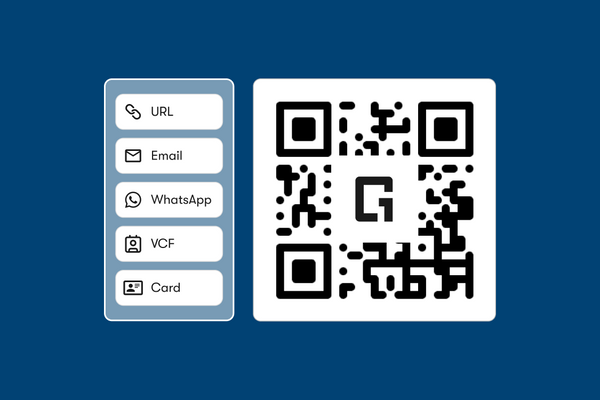
Free QR Code Generator: Everything You Need to Know About QR Sharing
Create a free QR code with your logo to share contact details. Fast, editable, and linked to your digital business...

Your Free Virtual Background Is Your New Business Card; Here's Why It Matters
Your virtual background shapes first impressions before you speak. Learn how to brand it smartly and grow your network on...
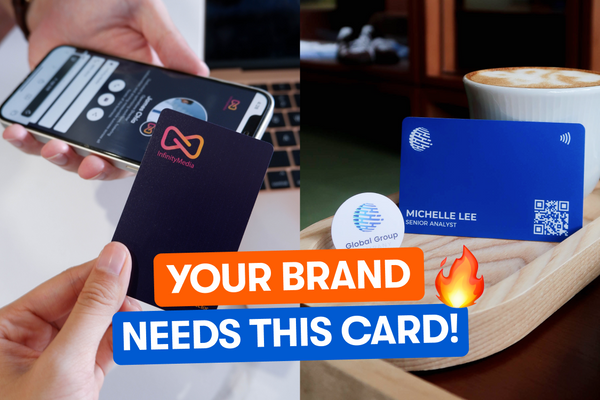
Why Consistent Branding Matters (And How One Good Card Helps You Nail It)
One Good Card helps you keep branding consistent across physical and digital with sleek NFC business cards.
The all-in-one digital business card
for professionals
- ✓ Fully Customisable
- ✓ Lifetime Updates
- ✓ AES-256 Encryption
- ✓ Certified CSA-Compliant
- ✓ iOS and Android