
Introducing Add to Mobile Wallet: Your Digital Business Card Now Lives in Apple & Google Wallet
One Good Card now supports Apple Wallet and Google Wallet. Customise your wallet card, share via QR code, and keep your details in every pocket.

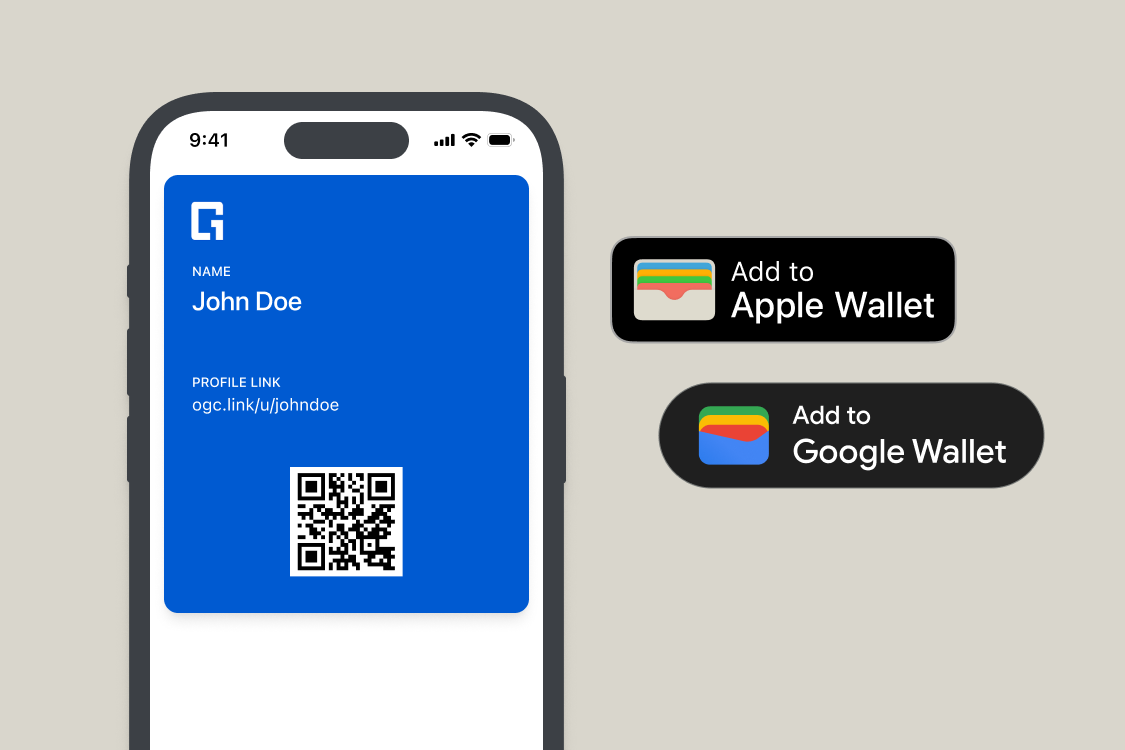
Think about the last time you paid for something in a shop. Chances are you didn't reach for your physical wallet — you tapped your phone. That shift from physical to digital has been happening quietly for years, and it's now reached a tipping point
In 2025, there were 4.5 billion digital wallet users worldwide, over half the global population. Your phone isn't just a payment device anymore. It's where you keep your boarding passes, your loyalty cards, and now, your business card.
We're excited to introduce One Good Card's latest feature: Add to Apple Wallet and Google Wallet. Your digital business card is now something people can carry with them on their phone, right alongside everything else they use every day.
What's New: Add to Mobile Wallet
One Good Card users can now generate a fully customised wallet card and add it directly to their Apple Wallet or Google Wallet. Once added, your card lives in your mobile wallet, no app required.
Here's how it works:
Customise your wallet card: Design how your card looks in the wallet. It's your professional identity, presented in a clean format.
Add to Apple or Google Wallet: Save your card directly to the to your mobile wallet. It sits alongside their other passes and cards, always within reach.
Share via QR code: Your wallet card comes with a QR code. When someone scans it, they're taken directly to your full One Good Card digital name card, with all your contact details, social links, and a save-to-contacts button. One scan, everything they need.
Always up to date: Your wallet card reflects your current digital name card. Update your details in your dashboard, and the information is reflected immediately; there's no need to reissue or redistribute.
How to Set It Up

Setting up your wallet card takes under two minutes:
- Log into your One Good Card dashboard
- Navigate to Cards and select the Add to Wallet option
- Customise the look and branding of your card, such as background and text colour
- Save your wallet card and click add-to-wallet. Your mobile card will be automatically generated in your mobile wallet
- Recipients scan your QR code to be redirected to your digital business card
Who This Is For
Active networkers and event-goers: Conferences, trade shows, networking nights, anywhere you're meeting people quickly and need to share your details without breaking the flow of conversation. Your wallet card is the fastest way to get your QR code in front of someone.
Sales and BD professionals: When every client interaction counts, having your card accessible with one tap rather than several means you're always ready.
Professionals who network on the go: If your networking happens between meetings, on transport, or anywhere you don't have time to set up. Having your card in your wallet means it's always ready.
Anyone who wants to look effortlessly prepared: There's something to be said for pulling up your QR code in under a second while someone else is still trying to find their card. It signals exactly the kind of professional you are.
Part of a Bigger Sharing Toolkit
Your wallet card is one of several ways One Good Card lets you share your professional identity wherever you are. Tap with your NFC Smart Card, scan from your wallet, share your link via WhatsApp or email signature, or display your digital name card on your virtual background during video calls. Every channel points back to the same live digital name card, which is always current and consistent.
The best networking tool is one you actually have with you when you need it. Adding your One Good Card to Apple or Google Wallet means your digital business card is always one tap away — no app, no signal, no searching. Just your QR code, ready to share the moment someone asks.
Add to Mobile Wallet is available to all One Good Card users now. Log in to your dashboard to set it up, and make sure the next time someone asks for your card, you're ready before they've finished the sentence.

Related articles
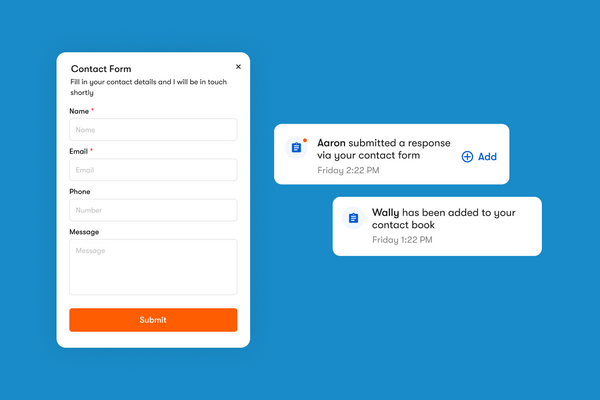
How One Good Card's Contact Form and Leads Page Work
The contact form is a widget you can add directly onto your One Good Card digital name card
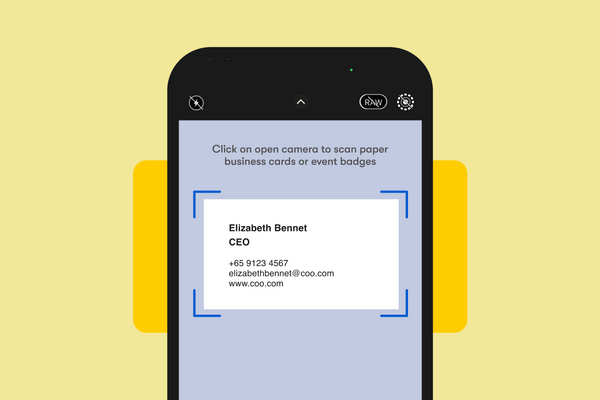
Scan Paper Name Cards into Contacts with OCR Scanner
One Good Card's OCR Scanner reads paper business cards and saves contacts automatically. Available on iOS and Android. No more...
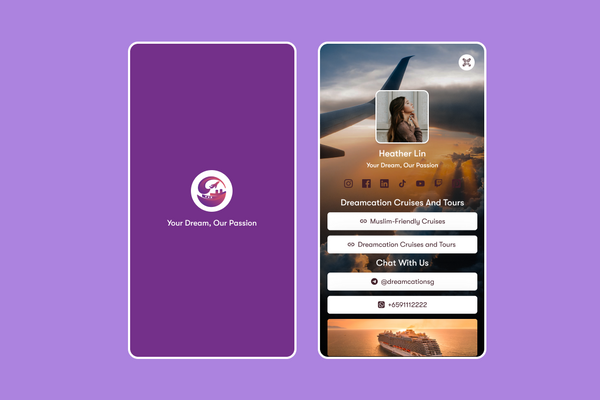
Introducing Splash Screen: Brand Your Digital Card's First Impression
One Good Card's new Splash Screen feature lets you add a branded intro before your digital name card loads. Customise...
The all-in-one digital business card
for professionals
- ✓ Fully Customisable
- ✓ Lifetime Updates
- ✓ AES-256 Encryption
- ✓ Certified CSA-Compliant
- ✓ iOS and Android