
How One Good Card's Contact Form and Leads Page Work
The contact form is a widget you can add directly onto your One Good Card digital name card

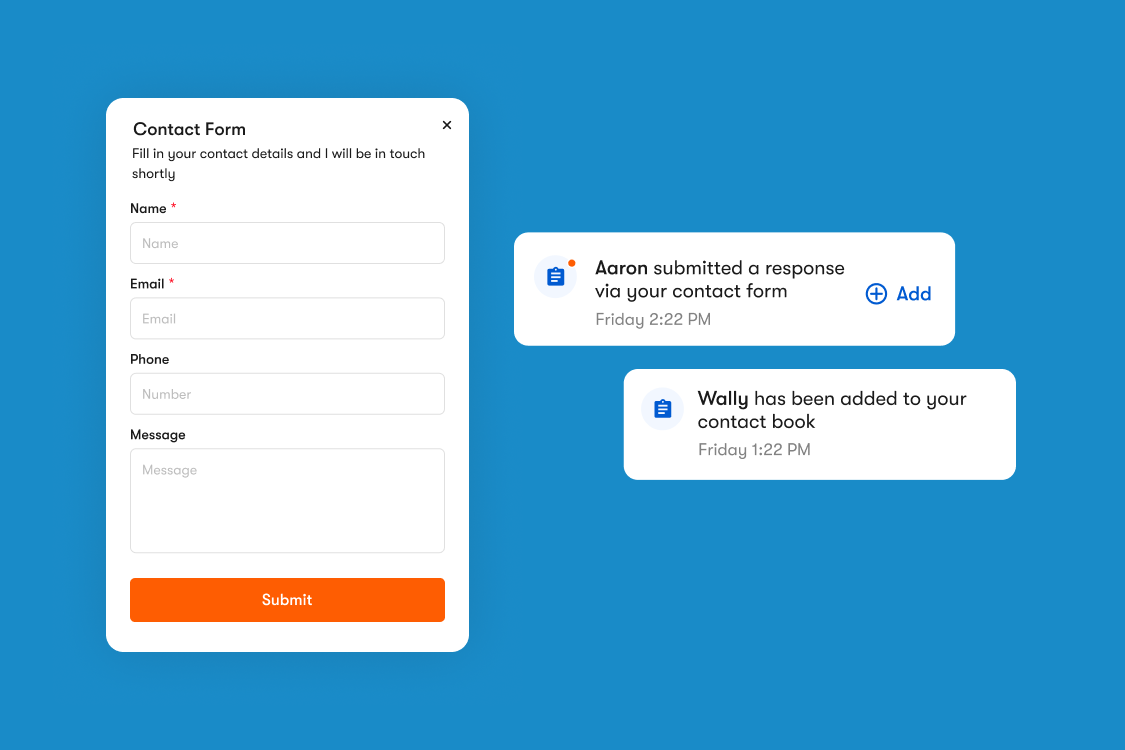
Most digital business cards are one-directional. You share your details, the other person receives them, and that's where the exchange ends. But what if the person you're speaking to doesn't have a name card on them? Or what if they want to reach out to you after the event but haven't saved your contact yet?
That's the gap the One Good Card contact form was built to fill.
The Contact Form Widget

The contact form is a widget you can add directly onto your One Good Card digital name card. When someone views your card, they have the option to fill in their own details and submit them to you — name, mobile number, email, and a message. It turns your digital name card into a two-way contact exchange tool, not just a one-way share.
This was one of the most requested features before we built it about 2-3 years back. The scenario that came up repeatedly: you're at an event, you share your One Good Card, and the person you're speaking to realises they've run out of their own name cards. Instead of fumbling for their phone or asking you to save their number manually, they simply fill in your contact form. You get their details, they get yours, done.
It's also useful as a lead generation tool. If someone views your card and wants to find out more; request a demo, ask about pricing, get in touch about a project. The contact form gives them a direct, low-friction way to do that without needing to copy your email address and compose a message separately.
What You Can Customise
The contact form is available to all One Good Card users and is fairly flexible in terms of what you collect. Default fields include name, mobile number, email, and a message field. You can now also add custom fields if you need to collect something more specific. Choose between text or dropdown fields, and fill in the options for the field.
For example, you may want to know where the lead has heard about you from.
Field Name: Where did you hear about us?
Dropdown options:
- Referral
- Social Media
- Google Search
- AI Search
One additional setting worth turning on: Auto-open contact save. When enabled, this prompts the person filling in your form to save your contact to their phone immediately after submitting. It is a small nudge that makes a real difference. They have submitted their details, and now they have yours saved as well.
To add the contact form to your digital name card, go to your profile editing page and add the contact form widget from the available options.
Where the Submissions Go
Before the Leads Page existed, every contact form submission came through as an email notification or appeared in the notifications tab. Manageable if you receive one or two a week. Less manageable if you are active at events and collecting multiple submissions at a time. It was easy for leads to get buried, and there was no way to track whether you had followed up with each person.
The Leads Page solves this. All contact form submissions now flow into 3 places:
- Leads tab on your CRM page, a centralised view of every submission
- Inbox for quick access alongside your other notifications
- Email notifications so you are alerted in real time when a new submission comes in
The Leads tab is where the actual management happens. You can sort and filter submissions by date added, see each contact's details at a glance, and keep track of who you have and have not followed up with. It works like a lightweight inbox specifically for inbound leads from your digital name card.
How I Personally Use It While Networking
When I am out at events representing One Good Card, I often meet people who want to find out more after the conversation. A product demo, help with designing a custom NFC card, or just more information before making a decision. Rather than exchanging numbers on the spot and hoping I remember to follow up, I direct them to fill in the contact form on my digital name card.
The result is that every interested contact ends up in my Leads tab with their details and their intent already noted in the message field. I know exactly who to follow up with, what they asked about, and when they submitted the form. It makes post-event follow-up significantly more organised than working through a mix of WhatsApp messages, email threads, and memory.
Who This Is Most Useful For
Sales and BD professionals: If you are regularly sharing your card with prospects, the contact form gives them a direct way to express interest without you having to chase. Inbound leads with stated intent are easier to convert than cold follow-ups.
Event networkers: At conferences and trade shows, not everyone you speak to will have a name card. The contact form removes the awkwardness of that situation and gives both parties a clean way to exchange details.
Anyone running a booth or pop-up: If your card is displayed at a physical location, a booth, a reception desk, a retail space. The contact form lets passersby reach out without needing to speak to someone directly.
Freelancers and solopreneurs: Your digital name card is often the first touchpoint a potential client has with you. A contact form on that page means an interested visitor can reach out immediately, rather than having to find your email elsewhere.
The contact form and Leads Page are not complicated features, but they address a real gap in how digital name cards typically work. Sharing your details is only half of a contact exchange. Having a structured way to receive details back, and to manage those inbound contacts in one place, is what makes your card genuinely useful as a networking and lead generation tool.
If you have not added the contact form widget to your digital name card yet, it is worth doing. It takes a couple of minutes to set up and available to all users.

Related articles
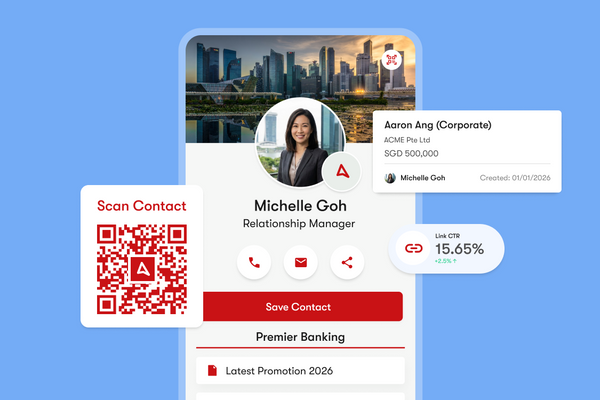
How to Maximise Your One Good Card: 10 Features You Might Not Know
Discover 10 powerful One Good Card features you might not know, from real-time edits and lead capture to CRM sales...
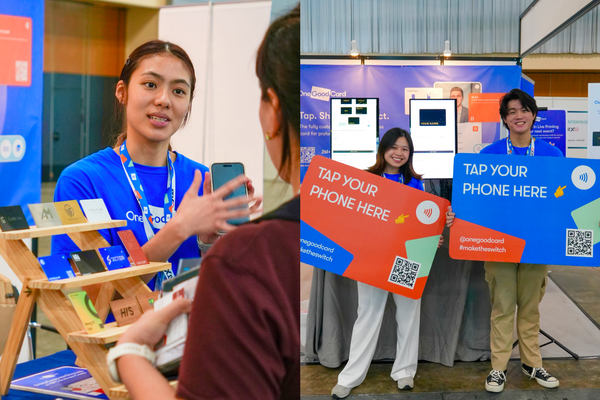
What Running a Card Live Printing Booth Taught Us About Networking at Singapore's Biggest Events
We ran our live printing station at ATxSG and NPF Retail. Here's what we learned about engaging event attendees and...
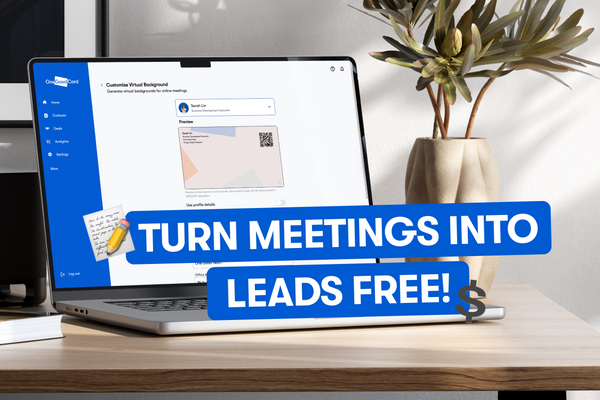
Your Free Virtual Background Is Your New Business Card; Here's Why It Matters
Your virtual background shapes first impressions before you speak. Learn how to brand it smartly and grow your network on...
The all-in-one digital business card
for professionals
- ✓ Fully Customisable
- ✓ Lifetime Updates
- ✓ AES-256 Encryption
- ✓ Certified CSA-Compliant
- ✓ iOS and Android