
Sending a Digital Business Card on WhatsApp — The Smarter Way to Share Your Details
Learn why One Good Card is the top choice for sharing digital business cards on WhatsApp, with enhanced features and seamless sharing options.

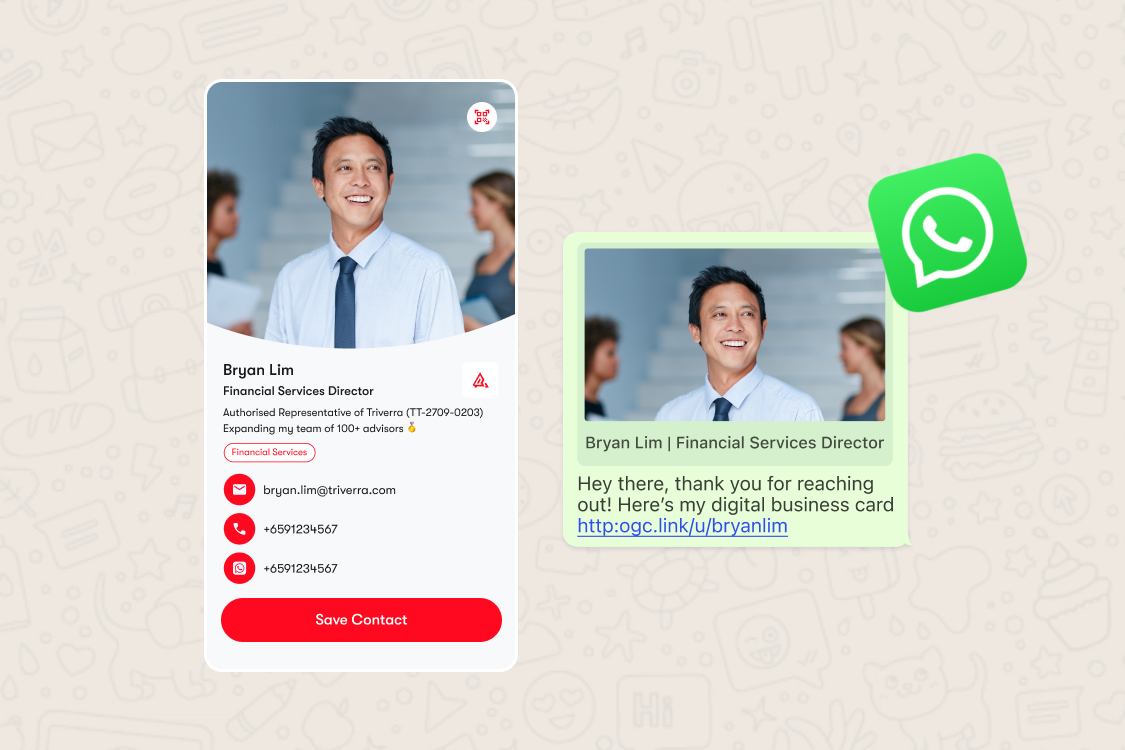
So, you’ve Googled “digital business card for WhatsApp,” right? Great! That means you’re ready to ditch the old-school paper card and step into the world of seamless, digital connections.
Sharing your details with a quick WhatsApp message is super convenient with One Good Card.
But here’s where things get interesting, there’s way more you can do beyond just sending a card on WhatsApp.
How to Send Your Digital Business Card on WhatsApp

With One Good Card, sharing your digital business card on WhatsApp takes seconds:
- Open your One Good Card dashboard > Cards > Share Profile
- Click Share and choose WhatsApp from the list of sharing options. This will open up your WhatsApp contacts list.
- Paste it into any WhatsApp chat — individual or group
- WhatsApp generates a link preview automatically, and the recipient taps through to your full digital name card
That's it. No app required on the recipient's end, no file downloads, no compatibility issues. It works on every smartphone.
From your digital name card, the recipient can save your contact details directly to their phone, browse your social links, visit your website, and reach out via any channel you've included, all from a single tap.
Why WhatsApp Is a Serious Networking Channel
WhatsApp isn't just a messaging app anymore. With over 3 billion monthly active users globally, according to Statista, it's the world's most widely used messaging platform, and for many professionals, it's the primary channel for business communication, especially across Asia, the Middle East, and Latin America.
Over 175 million people interact with business accounts on WhatsApp every single day. That's a platform that's deeply embedded in how people do business — which makes it one of the most natural places to share your professional details.
The problem is that most people share contact information on WhatsApp the hard way: typing it out, sending a vCard, or relying on the other person to save it manually. A digital business card changes all of that.
What Your Link Preview Looks Like And Why It Matters Here's something most people don't think about: when you send a link on WhatsApp, it generates a preview card with a title, description, and image before the recipient even taps it. That preview is the first thing they see.
With One Good Card, you can now fully customise your link preview including the meta title, meta description that appears when your digital name card link is shared on WhatsApp, iMessage, LinkedIn, and other platforms.
This means instead of a generic URL, your contact sees something like:
Crystal Lee | Marketing at One Good Card
Connect with me, save my details, and explore my work.
It's a small detail that makes a big difference. A well-crafted preview signals professionalism before anyone has even clicked, and gives the recipient context about who you are and why they should tap through. Think of it as a micro first impression — your digital name card before the cover.
What They See When They Open Your Card
Once your contact taps through from WhatsApp, they land on your full digital business card. Depending on how you've set it up, this can include:
- Your name, role, and company
- Contact details; phone, email, WhatsApp, Telegram, and more
- Social media links; LinkedIn, Instagram, and others
- Your website, portfolio, or any relevant links
- An image gallery, embedded video, or files like a sales deck or resume
- A lead capture form or direct save-to-contacts button
- Work experience or credentials
Everything is updated in real time. Change your job title today, and every WhatsApp message you've ever sent with your digital name card link now reflects the update automatically.
Tracking Who Engages With Your Card

One of the biggest advantages of sharing a digital business card over a paper one is the data. With One Good Card's built-in analytics, you can see how many times your profile was viewed, which links were tapped, and where your traffic came from — including shares via WhatsApp.
This turns every link you send into a trackable networking touchpoint. For sales professionals and BD teams, that visibility is genuinely useful, you can follow up with contacts who've viewed your digital name card, and understand which channels are driving the most engagement.
Pair this with the CRM Deal Manager and Contact Manager, and your WhatsApp networking becomes a connected part of your wider pipeline, not just a series of chat messages that disappear into a scroll.
Ready to Level Up with a Digital Business Card?
WhatsApp is where a huge amount of professional networking happens today, and a digital business card is the most frictionless way to share your details on it. One link, one tap, and your contact has everything they need with a fully customised link preview that makes a strong impression before they've even clicked.
If you're not already using your One Good Card on WhatsApp, it's one of those small upgrades that changes how every conversation ends. Ready to make your next introduction count?

Related articles
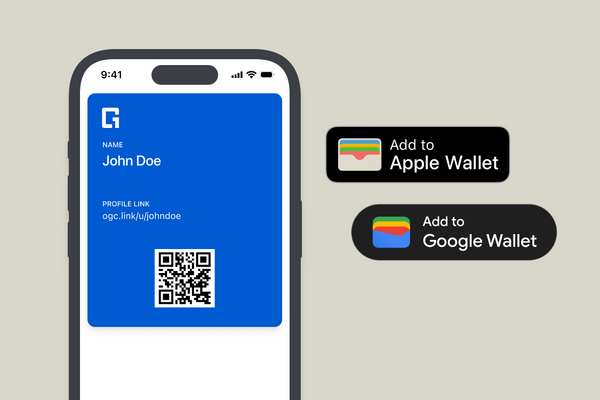
Introducing Add to Mobile Wallet: Your Digital Business Card Now Lives in Apple & Google Wallet
One Good Card now supports Apple Wallet and Google Wallet. Customise your wallet card, share via QR code, and keep...
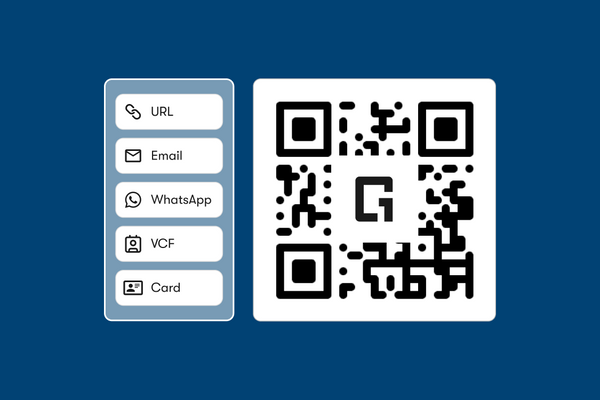
Free QR Code Generator: Everything You Need to Know About QR Sharing
Create a free QR code with your logo to share contact details. Fast, editable, and linked to your digital business...
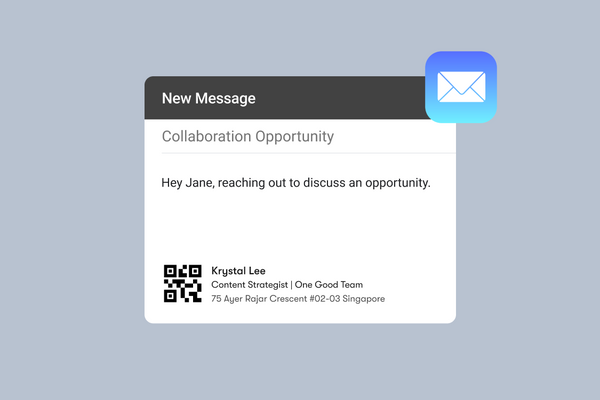
Free Email Signature Generator In Your Digital Business Card
Generate a clean, clickable email signature for free. Compatible with Gmail, Outlook, and your One Good Card profile.
The all-in-one digital business card
for professionals
- ✓ Fully Customisable
- ✓ Lifetime Updates
- ✓ AES-256 Encryption
- ✓ Certified CSA-Compliant
- ✓ iOS and Android