
Digital Business Card for Creators: How to Share Your Portfolio and Land More Gigs
Discover how digital business cards empower artists and content creators to effortlessly share their work, connect with others, and stand out in the digital age.

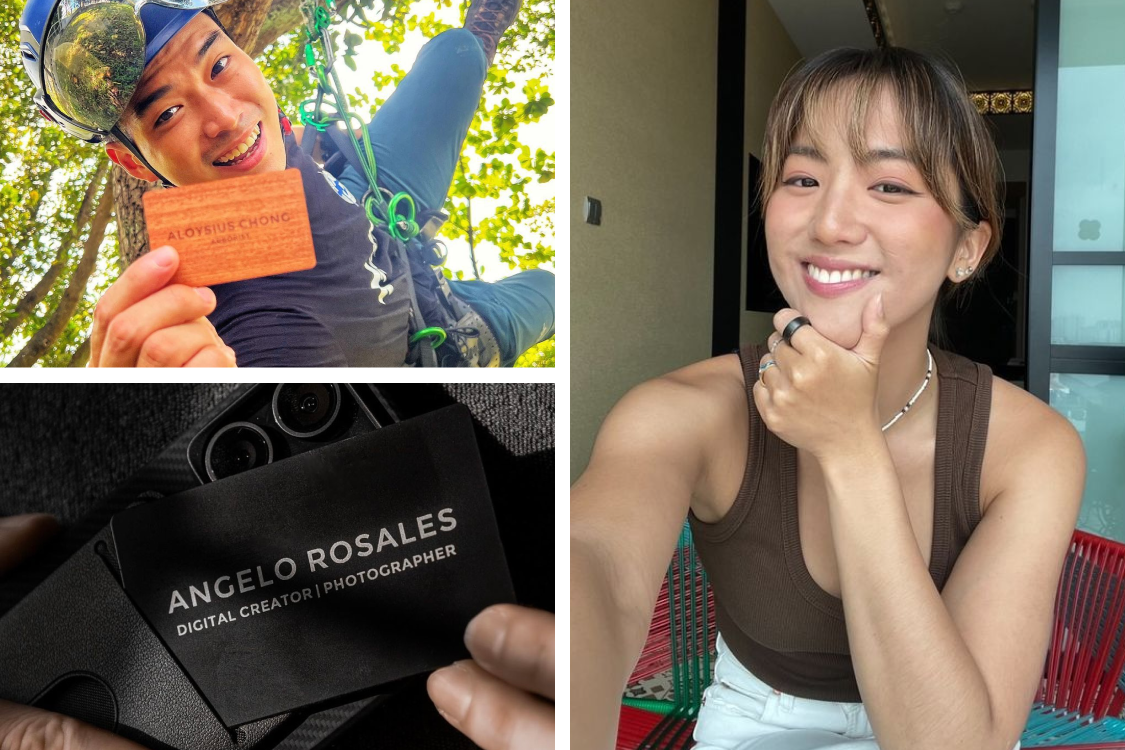
Brand managers, event organisers and collaborators meet dozens of creators at every convention and industry night. The ones they follow up with are usually the ones whose work they actually saw.
A digital business card for creators puts your portfolio, social accounts and contact details on one page that opens with a tap, so the people you meet can see your work and reach you while the conversation is still fresh.
Why do creators need a digital business card?
Creators need a digital business card because their work sells them better than a description can, and a paper card cannot show any of it.
At an event, a potential collaborator has a few seconds to decide whether to remember you. A tap that opens your gallery, your latest video and your social accounts gives them a reason to. A paper card with a handle on it asks them to search for you later, and many never do.
Online, the same page works as your link in bio. Instead of a plain list of links, people who visit your Instagram, TikTok or YouTube land on a branded page with your work, your accounts and a way to contact you.
A digital business card also changes as you do. New project, new rate card, new handle: you edit it once and every card you have handed out shows the update.
What is the Creator layout?
The Creator layout is One Good Card's profile layout for creators. It is built to showcase portfolios, content, social links and contact details on one page.
Your cover image sets the mood at the top, with your photo, name and a short tagline. Below that sits a row of social icons, then your gallery and featured links. Contact details and a Save Contact button make sure a brand can still reach you directly.

One Good Card has four layouts in total. For a comparison of all of them, see which digital name card layout is right for you. You can switch at any time without losing your content, as shown in the help guide on profile layouts.
What should a creator put on a digital business card?
A creator's digital business card should show your work first, then make it easy to follow you and contact you. Six elements cover it.
1. A cover image and tagline that say what you make
Your cover image is the first thing people see, so use your own work or a photo that reflects it. Add a tagline of a few words, such as "Travel films and photography" (an illustrative example).
Together, they tell a stranger what you do before they scroll.
2. Your social accounts
Add the platforms where you are active: Instagram, TikTok, YouTube, LinkedIn, Twitch, Pinterest or others. They appear as a row of icons near the top.
Embed your public profile for a live window into your latest work, which updates itself every time you post. Embed a single post or reel when you want to lead with one specific piece, such as your best-performing brand collaboration.
3. A gallery of your best work
Pick six to nine pieces that show your range and the kind of work you want more of. The gallery is what most visitors look at first.
For a few hero pieces with captions, the slideshow gallery rotates through up to six images. Refresh either when you finish a project you are proud of, since returning visitors notice.
4. Featured links
Add links to the things you want people to open: your latest video, a media kit or rate card, your shop, or a booking page. If you sell merchandise, prints or digital products, a product collection shows each item with an image, price and buy link.
Keep the list short and put the most important link first.
5. Contact details and Save Contact
Brands and organisers still need an email address to send a brief. Your contact details and the Save Contact button let them keep your details on their phone in one tap.
6. A contact form for enquiries
A contact form lets brands and collaborators leave their details and a short message. Every enquiry lands in your leads list, which is easier to manage than DMs spread across several apps.
Benefits of using digital business cards for content creators
1. Enhanced creativity and customisation
One of the best things about digital business cards is how customisable they are. You can design them to reflect your unique style and brand. Add your logo, choose your colours, and include multimedia links. This isn’t just about looking good (though that’s important!); it’s about making a memorable impression.
2. Easy sharing and broader reach
Sharing a digital business card is a breeze. You can share it via NFC, email, social media, or even through a QR code. This means you can connect with people anywhere, anytime, without worrying about losing your paper name cards.
Example: Imagine you’re at a music festival and meet someone who could help you with your next project. Instead of fumbling for a paper card, you can instantly share your digital card via a quick tap or QR code scan. Boom, connection made!
3. Showcasing your work in real-time
 Digital business cards allow you to include links to your work, whether it's a YouTube channel, an Instagram portfolio, TikTok account, or a website. This immediate access to your content is invaluable during networking events, where you want to impress and engage your new contacts. This also makes it super easy for potential clients or collaborators to check out your work right away.
Imagine you’re a YouTuber attending VidCon. By sharing your digital business card, you can direct potential collaborators and sponsors straight to your latest videos. This immediate engagement can turn casual encounters into professional opportunities.
Tip: Include a link to your Instagram if you’re a visual artist, or your SoundCloud if you’re a musician. The more seamlessly you can connect people to your work, the better.
How do creators use a digital business card?
Creators use a digital business card in person at events and online as a link in bio, with the same page doing both jobs.
- At conventions, markets and industry events. Tap your card or a Mini NFC sticker against someone's phone, and your gallery opens on their screen. The Mini sticks anywhere, such as your phone case, camera, sketchbook or laptop.
- On your booth or merch table. Stick a Mini on the table and print your card's QR code on a small sign, so visitors can tap or scan while you are busy with someone else.
- As your link in bio. Paste your card link into your Instagram, TikTok and YouTube bios, so every profile leads to the same page.
- With a smart ring. The One Good Ring shares your card with a tap of the hand, which is useful when your hands are full of gear.
Let's hear it from the real people
The Illustrator: Dorcas @earthtodorcas
As an artist and writer, Dorcas crafts narratives deeply rooted in introspection, spirituality, and the beauty of nature. Her work aspires to reveal the profound interconnectedness of all things, capturing the life lessons she learns here on Earth.
"Having a Mini. has significantly cut down the number of physical cards I need, saving me both money and materials. It's super easy to carry around, perfect for those spontaneous encounters!"
Let’s talk about Dorcas, a freelance illustrator. She was attending a lot of conventions and art shows, handing out traditional business cards. But, she found that people often misplaced them or forgot to check out her website later. Then she switched to digital business cards. Now, she includes links to her online portfolio and social media.
She customises her digital business card with her own unique branding, incorporating her logo, and signature colours that reflect her artistic style. By using these personalised elements, her card becomes a true representation of her identity as an artist. Every time she shares it, she's not just handing over contact information—she's sharing a piece of her artistic world, making a lasting impression on everyone she meets.
The Creator: Kahmy @kahmy.kaye
Meet Kahmy, a creator who frequently attends different industry networking events. At these events, she uses her One Good Ring to make a great first impression while connecting with people. Her digital business card efficiently shares links to her social media, showcases her works, and provides contact information allowing brand representatives to view her content and reach out to her.
Driven by a passion for environmental sustainability, social justice, and urban equity, Kahmy is committed to making a real impact through innovative and creative storytelling as a creator and sustainability advocate.
"Subtle yet effective, the ring never fails to impress & create a connection seamlessly! My favorite part is that it’s something I can reuse indefinitely and the digital name card is customisable throughout the seasons of life."
As a sustainability advocate, her One Good Ring has been instrumental in helping her achieve her goal of reducing waste and promoting sustainability. By eliminating the need for physical business cards, it reduces paper consumption and the environmental impact associated with producing and disposing of traditional cards. This eco-friendly alternative supports her commitment to sustainability, making a significant difference in her efforts to minimise waste and promote a greener lifestyle.
Practical tips for creators using digital business cards
1. Designing an engaging digital business card
When it comes to designing your digital business card, think about what makes you unique. Use your brand colors, add your logo, and ensure your contact information is up-to-date. A well-designed card reflects your professionalism and attention to detail.
Tip: Include a professional headshot. This helps people remember you and adds a personal touch to your card.
2. Maximising networking opportunities
Digital business cards can be integrated into various networking situations. Share them at events, during online meetings, or even through social media. The flexibility of digital cards means you can connect with others wherever you are.
3. Leveraging analytics and feedback
One of the cool features of digital business cards is that they often come with analytics. You can see how many people viewed your card and saved your contact. This feedback can help you understand what’s working and where you might need to tweak your approach.
Digital business cards are changing the game for content creators. With instant sharing and real-time showcasing of your work, they add a level of professionalism that traditional methods just can't match. Using these tools, you can make meaningful connections and land gigs more effectively.
How do you get started?
Choose the Creator layout, add a cover image and tagline, your social accounts, a gallery of your best work, one or two embeds, a few featured links and your contact details. Then share it at your next event and paste the link into your bios.
For the physical side, a Mini stuck on your phone case or gear, a custom card printed with your own artwork or the One Good Ring all link to the same page. For more on presenting yourself, see how to make your digital name card stand out.

Frequently asked questions
What is a digital business card for creators?
Can I use my digital business card as a link in bio?
Can I embed my Instagram or TikTok on my digital business card?
Related articles
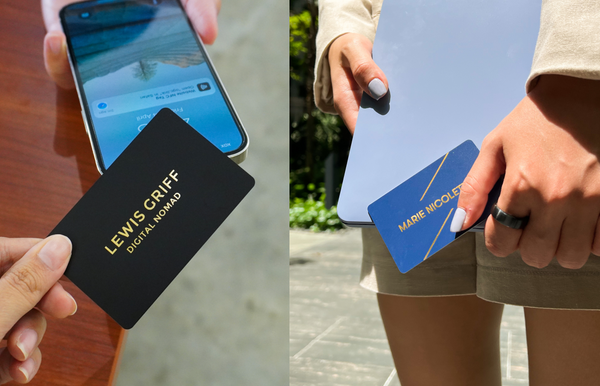
Why Use a Digital Business Card in 2026: 8 Reasons It's Worth the Switch
Digital business cards do everything paper cards do, plus lead capture, CRM, and real-time updates. Here are 8 reasons to...
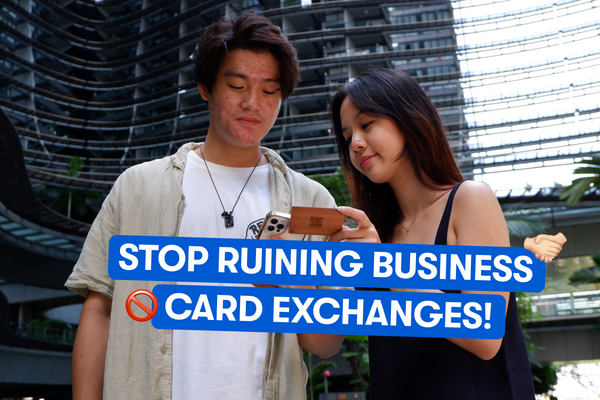
Business Card Etiquette: The Do’s and Don’ts
Learn the do’s and don’ts of business card etiquette to make lasting impressions and network like a pro, NFC cards...
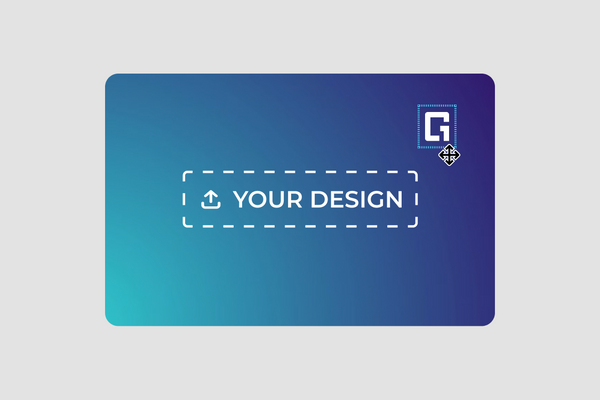
How to Design Your Own NFC Business Card (Customiser Included)
A step-by-step walkthrough of One Good Card's card customiser, covering templates, backgrounds, text, images, shapes, layers, front and back design,...
The all-in-one digital business card
for professionals
- ✓ Fully Customisable
- ✓ Lifetime Updates
- ✓ AES-256 Encryption
- ✓ Certified CSA-Compliant
- ✓ iOS and Android