
What Is Email Verification (And Why Your Follow-Ups Depend On It)
Learn what email verification is, why it protects your sender reputation and reduces bounces, and how to verify emails in bulk or one at a time without leaving your contact list.

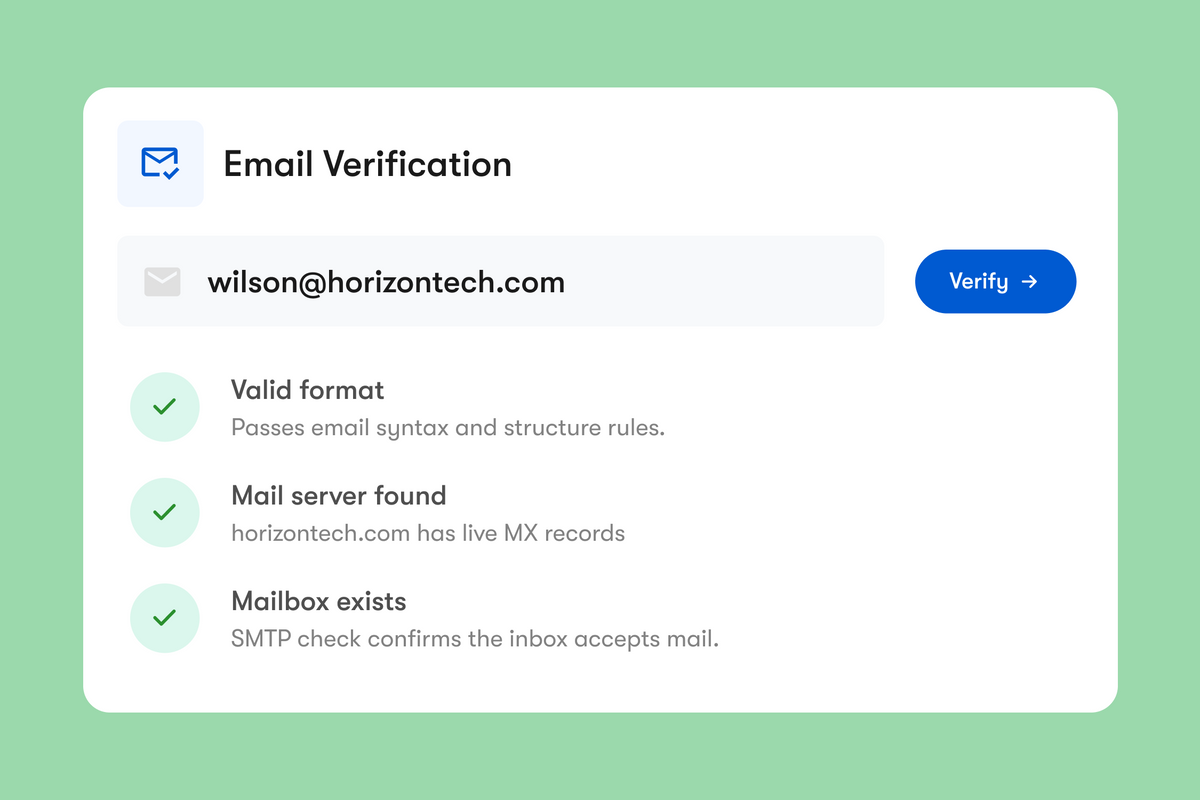
Before email verification became standard practice, businesses building an email list had no way to tell a real subscriber from a bot, a typo, or a stranger's address entered without their consent. Lists filled up with addresses that were never real to begin with, open and click rates looked artificially bad, and marketing spend went toward sends that never landed anywhere. Mass bounces from those invalid addresses could also get a domain flagged as spammy, sometimes dragging down deliverability for real customers too.
That's the problem email verification solves. Here's what it is, why it matters more than ever, and how to start using it today.
TL;DR: Email verification checks whether an email address is real, active, and able to receive mail before you send to it. It goes further than format checks (validation) by confirming the domain's mail server and mailbox actually exist. Verifying addresses lowers bounce rates, protects your sender reputation, and keeps your CRM clean, especially when you're following up on leads from networking or outreach.
What is email verification?
Email verification is the process of checking whether an email address is real, active, and able to receive messages before you ever hit send.
Definition: Email verification is the real-time process of confirming an email address exists and can receive mail by checking its syntax, domain mail records (MX), and live mailbox status. Validation, by contrast, only checks formatting.
It's often confused with email validation, but the two aren't the same thing. Validation just checks that an address is formatted correctly (does it have an "@" and a domain, is gnail.com actually a typo for gmail.com). Verification goes further. It checks the domain's mail records, confirms a mail server exists, and in many cases checks whether the specific mailbox is live, not just whether the address looks plausible on paper.
| Check | What It Means |
|---|---|
| Email Syntax | Checks email formatting, domain structure, and syntax |
| Domain & MX | Confirms the domain exists and has valid MX records |
| Mailbox Verification | Uses SMTP checks to confirm the mailbox can receive email |
| Catch-All Emails | Identifies catch-all domains that accept any email address |
| Disposable Emails | Detects temporary email addresses used for disposable inboxes |
| Role-Based Emails | Identifies shared inboxes used across teams and departments |
| Typo Suggestions | Detects common email typos and recommends the correct address |
| Deliverability Score | Assigns every email a deliverability score from 0 to 100 |
Why do you need email verification?
Every invalid email you send to costs you more than a wasted message. A few reasons email verification matters:
Fewer bounces. Sending to dead or mistyped addresses generates hard bounces, and too many hard bounces signal to inbox providers that your emails aren't wanted. A healthy bounce rate sits under 2%. Cross the 5% mark and most sending platforms, including Mailchimp, HubSpot, and SendGrid, will start restricting or suspending your account (TrueList, 2026).
Better sender reputation. Gmail actively tracks sender behavior and requires bulk senders to keep their spam complaint rate below 0.1%, with a hard cutoff at 0.3% (Google's email sender guidelines). A high bounce rate drags your domain's reputation down, and a damaged reputation means even your valid emails start landing in spam.
Cleaner contact lists. Verifying emails as you collect them, instead of months later, keeps your CRM accurate and your follow-ups actually reaching people.
Less wasted effort. Whether you're a solo entrepreneur or running outreach for a whole team, chasing addresses that were never going to receive your message is time and, often, money spent for nothing.
Who should use an email verification tool?
Anyone whose outreach depends on real replies from real inboxes:
- Sales reps and business development professionals, who lose pipeline every time a cold email bounces off a dead address.
- Recruiters, who collect candidate and client emails constantly and need those follow-ups to land.
- Marketers running email campaigns, where a handful of bad addresses can drag down deliverability for an entire list.
- Freelancers, consultants, and solo entrepreneurs, who don't have a team to catch bounced emails and can't afford to lose a lead to a typo.
Basically, if you collect contacts at networking events, conferences, or through a digital business card and plan to actually follow up with them, verifying those emails before you send is the difference between a reply and a bounce.
How do you use an email verification tool?
Most email verification tools work the same basic way, whether you're checking one address or a thousand.
- Enter the address. Type it in, paste it, or upload a list as a CSV for bulk checking.
- The tool checks syntax and formatting. Confirms the address is structured correctly, with a valid "@" and domain.
- It checks the domain's mail records. Confirms the domain has valid MX records and an active mail server.
- It checks mailbox status. Many tools ping the mail server directly to confirm the specific inbox exists and can receive mail.
- It flags risk factors. Disposable addresses, role-based inboxes (info@, sales@), and catch-all domains that accept every address get flagged separately.
- You get a status. Each address comes back as Deliverable, Risky, Undeliverable, or Unknown, often with a numeric score, so you can decide at a glance whether it's safe to send to.
One Good Card's email verification tool works this way and takes it a step further: verification happens directly inside your contact records, so you're not exporting lists to a separate app just to check whether a lead's email is real. Verify one contact on the spot, or upload a CSV to clean an entire list in bulk.
Where can you find an email verification tool?
There's no shortage of standalone email verification tools built purely to check addresses and nothing else. They work, but they also mean yet another login, another export and import cycle, and another subscription to manage separately from wherever your actual contacts live.
The simpler option is a verification tool built into the place you already manage your network. That's exactly why we built email verification directly into One Good Card's Contact Manager. Every lead you capture through your digital business card, whether from a QR scan, an NFC tap, or a lead form, can be verified without leaving your contact record, and results sync straight through to tools like HubSpot and Salesforce via our integrations.

Email verification comes down to one simple habit: check before you send. It costs you a few seconds per address, and in return you get fewer bounces, a cleaner CRM, and a sender reputation that keeps your emails landing in the inbox instead of getting filtered out. Whether you're verifying one lead after a networking event or cleaning an entire list before a campaign, the tool matters less than making it a routine part of how you follow up.
Every good follow-up starts with an email that actually reaches someone. Verifying it first is the easiest way to make sure yours do.

Frequently asked questions
What is email verification?
How accurate is email verification?
Related articles
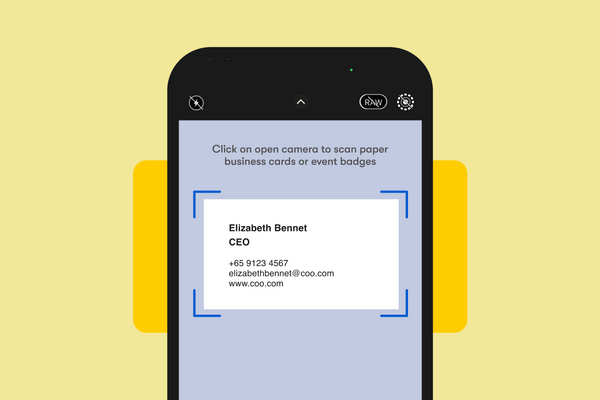
Scan Paper Name Cards into Contacts with OCR Scanner
One Good Card's OCR Scanner reads paper business cards and saves contacts automatically. Available on iOS and Android. No more...
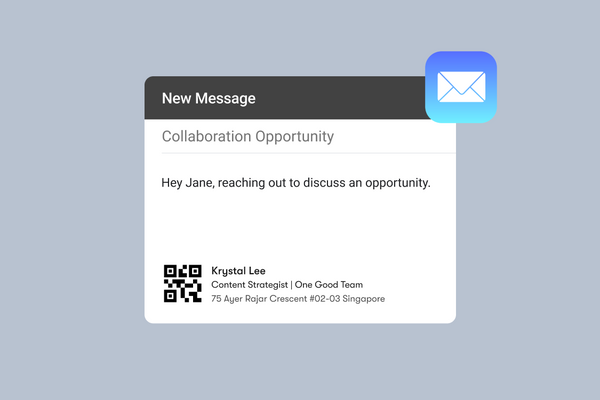
Free Email Signature Generator In Your Digital Business Card
Generate a clean, clickable email signature for free. Compatible with Gmail, Outlook, and your One Good Card profile.
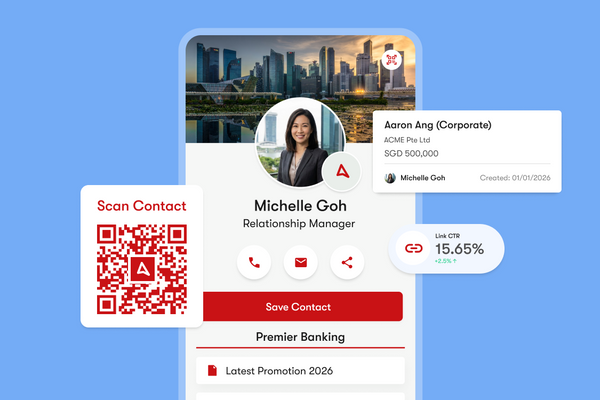
How to Maximise Your One Good Card: 10 Features You Might Not Know
Discover 10 powerful One Good Card features you might not know, from real-time edits and lead capture to CRM sales...
The all-in-one digital business card
for professionals
- ✓ Fully Customisable
- ✓ Lifetime Updates
- ✓ AES-256 Encryption
- ✓ Certified CSA-Compliant
- ✓ iOS and Android