
How to Write an Invoice as a Freelancer (Free Template Included)
A practical guide for freelancers and small business owners on writing an invoice that gets paid, covering every required field, invoice numbering, payment terms, GST, sending, and a free invoice generator.

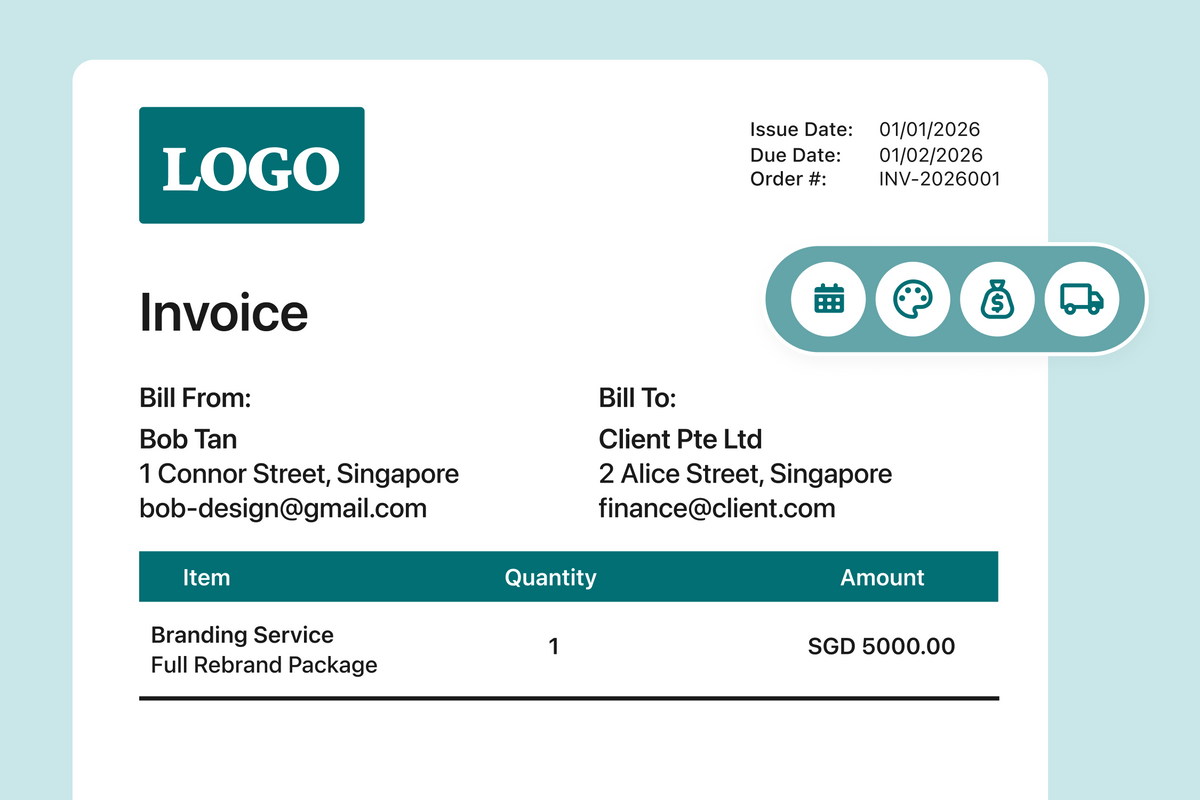
You landed the client, and now comes the billing part. For freelancers and small business owners, a clear invoice is the difference between getting paid in two weeks and chasing someone for two months.
A freelance invoice needs your details, your client's details, a unique invoice number, issue and due dates, an itemised list of the work, the total, and how to pay you. Get those right and most clients pay on time. This guide covers each field and how to generate one for free.
What is an invoice?
An invoice is a dated request for payment that itemises what you delivered, what it costs, and when the money is due.
What to include on a invoice as a freelancer?
An invoice needs your details, your client's details, an invoice number, the dates, an itemised list of the work, the total, and a way to pay you. None of it is complicated. The fields people leave off tend to be the ones that quietly delay payment.
- Your business details. Name, address, email and phone. If you are registered, include your business registration number, since some clients cannot process a payment without it.
- Your client's details. Company name, billing address, and the name and email of the person who actually approves payments. Sending an invoice to your day-to-day contact instead of accounts payable is the most common reason an invoice quietly goes nowhere.
- A unique invoice number. One per invoice, never reused.
- Issue date and due date. Write both as actual dates. Something like "due on receipt" leaves more room for interpretation than you probably want.
- An itemised breakdown. One line per deliverable with quantity, unit price and amount.
- Subtotal, tax, discounts and total. Include subtotal for the itemised breakdown, as well as any sales tax or discounts if relevant.
- Payment details. Bank name, account number, and a PayNow QR code if you use one. Make it easy for clients to pay you directly from this page.
- Payment terms. Your terms in plain words, plus a late fee if you plan to impose one.

How should you number your invoices?
Sequentially, with no gaps. The number is how you and your accountant find a specific invoice a year later, and how a client's finance system files it.
A simple running format works for most solo freelancers: INV-001, INV-002, INV-003. If you work with a handful of regular clients, adding a client prefix makes reconciliation faster: INV-NIM-001 for Nimbus, INV-ACM-001 for Acme.
Never reuse a number, even for a corrected invoice, because two documents with the same number is exactly the ambiguity you are trying to avoid when it comes to chasing for payments.
What payment terms should a freelancer set?
Net 14 or Net 30 for most freelance work, meaning payment is due 14 or 30 days from the invoice date. Shorter terms are reasonable for small one-off jobs. Larger companies often have their own payment cycle and will pay on it regardless of what you write, so clarify it before you start rather than after you invoice.
For longer projects (i.e. running longer than a month), you could propose charging a deposit before you begin and the balance on delivery. Many freelancers use 50% upfront for new clients and drop to a smaller deposit once a working relationship is established. This potentially reduces the friction of closing the deal.
Do you need to charge GST?
Most freelancers and early-stage small businesses are below the registration threshold and invoice without GST. Only if you have a business that is GST registered. If you are not registered, do not add a GST line to your invoice. Charging Goods and Services Tax (GST) when you are not registered is illegal, and you must return all wrongly collected tax to the Inland Revenue Authority of Singapore (IRAS).
What does a finished invoice look like?
Here is the same set of fields on a real freelance job: a brand identity project billed by a freelancer

How do you send an invoice so it actually gets paid?
Send it as a PDF from your own business email, and put the invoice number and your business name in the subject line so it survives being forwarded internally.
- Send it the day you finish, not at month end. The work is fresh in the client's mind and your payment clock starts sooner.
- Copy the person who approves payment. Your project contact might not usually the person who releases funds.
- Say the due date in the email body. Do not make anyone open the attachment to find out when you expect payment.
- Follow up before the due date, not after. A short note three days out is a reminder.
- Keep every version. If you reissue a corrected invoice, keep the original on file with a note explaining what changed.
Free invoice template for freelancers and small businesses
You can build an invoice in a word processor, but you will spend the time reformatting it every month and doing the arithmetic by hand. A tool built for it handles both.
One Good Card's invoicing creates a professional invoice with your details, line items and totals, ready to download as a PDF. Client details pull in from your contact list so you are not retyping them, GST and totals calculate automatically, and you can invoice in SGD, USD and other currencies. You can save any invoice as a reusable template for repeat clients, attach a payment QR code, send from your own Gmail or Outlook account, and schedule reminders to go out before, on or after the due date so you are not the one doing the chasing. Invoices can also be sent for signature, and clients can view and sign them in a browser without creating an account.

If invoicing is a regular part of running your business, the same reusable template means each new invoice only needs the client details and line items changed.
What should I do if a client does not pay on time?
Send a short, factual reminder with the invoice attached the day after it becomes overdue, addressed to the person who approves payments. If it stays unpaid, follow up weekly and reference your agreed payment terms. Automated reminders handle this without you having to remember.
Invoicing a client is one of the most important processes for you as a freelancer. A proper invoicing system and automated reminders ensure that you do not get stuck in endless admin work and chasing payments.

Frequently asked questions
Is the Invoice Generator available on mobile?
What information is legally required on an invoice?
Can I write an invoice as a freelancer without a registered company?
Related articles
How to Design Your Own NFC Business Card (Customiser Included)
A step-by-step walkthrough of One Good Card's card customiser, covering templates, backgrounds, text, images, shapes, layers, front and back design,...
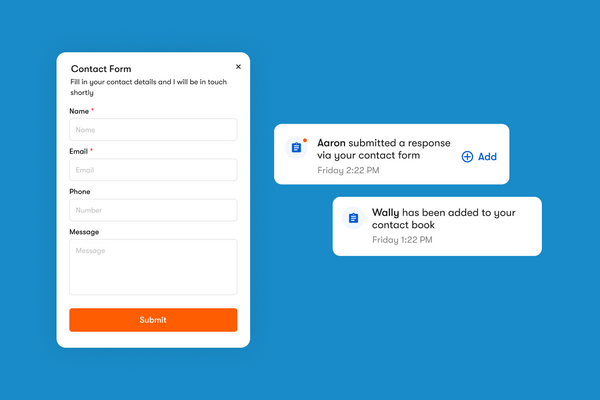
How One Good Card's Contact Form and Leads Page Work
The contact form is a widget you can add directly onto your One Good Card digital name card
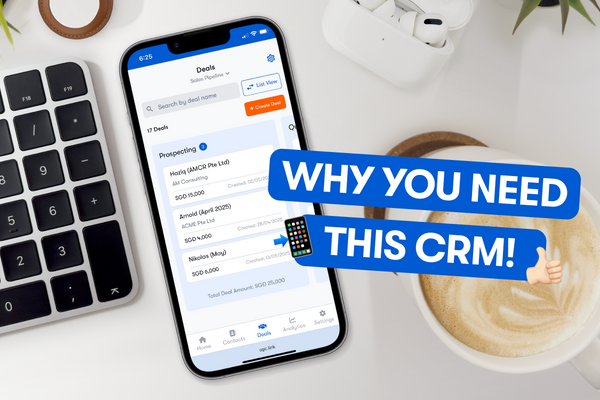
Why You Need a Personal CRM (Even If You’re Not in Sales)
Learn how a personal CRM can boost your networking, organize your pipeline, and grow real opportunities on the go.
The all-in-one digital business card
for professionals
- ✓ Fully Customisable
- ✓ Lifetime Updates
- ✓ AES-256 Encryption
- ✓ Certified CSA-Compliant
- ✓ iOS and Android